EllE Tech LogoEllE Tech中

OBD / BLE DISPLAYS

Z1 Evil Eyes · E1 Bar Display

Two form factors covering standard OBD, Tesla BLE and BYD vehicles. Download the E仪表 app first, then follow the guide for your vehicle.

Standard OBDTesla BLEBYD

Download the E仪表 App

One E仪表 app supports both Z1 and E1. Download the Android APK directly, or get it on the App Store for iOS.

Allow Bluetooth access after installation. Make sure Bluetooth is on before the first connection.

APKs and tutorial videos are hosted on space.allhex.com and open in a new window.

Two form factors, one app

Choose by cabin space and reading habit. Both are available in standard OBD, Tesla BLE and BYD versions.

Product photo / render · UI illustrative

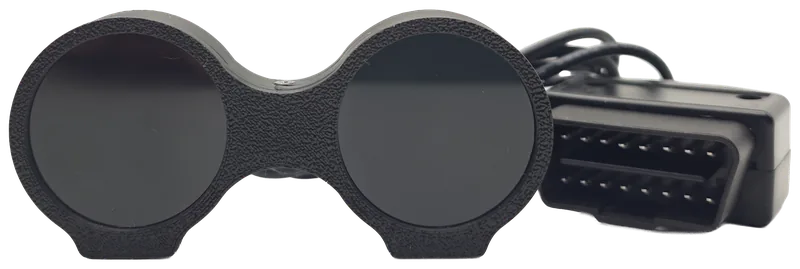
Z1 Evil EyesProduct photo / render · UI illustrative

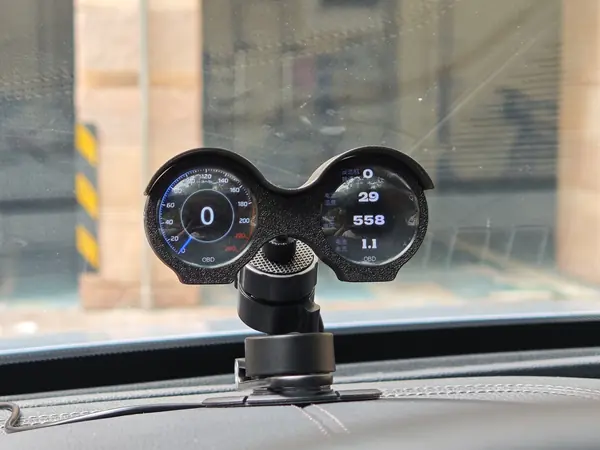
Z1 Evil Eyes

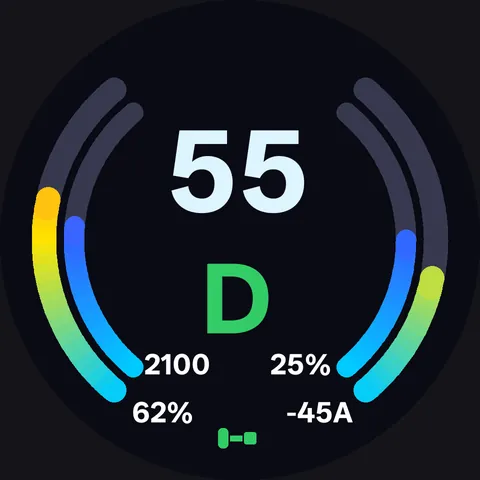
Dual 240×240 round displays, split across left and right

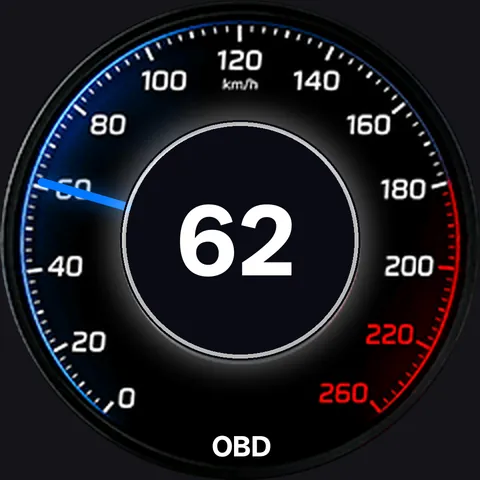
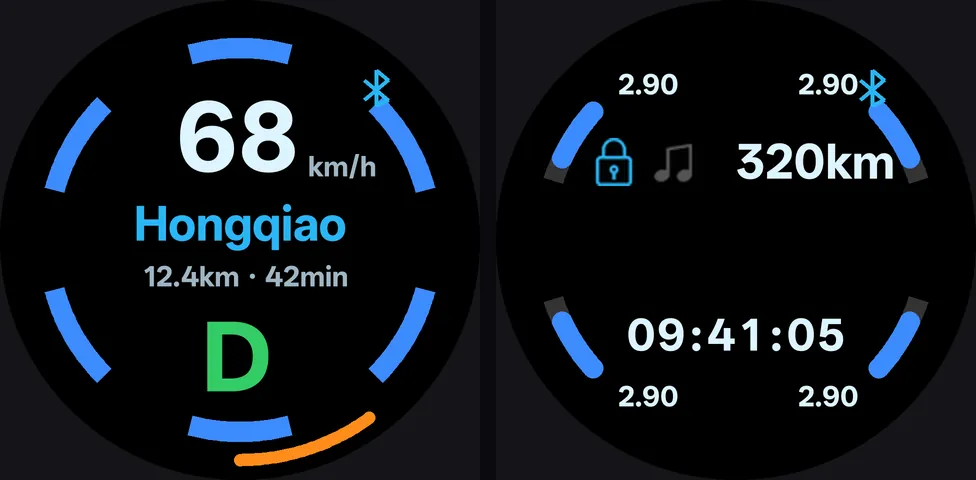
Two round screens show different data: speed, RPM, coolant temperature and voltage, or navigation and tire pressure. Plug into the OBD port for power and standard vehicle data; the Tesla version connects over BLE instead.

Standard OBDTesla BLEBYDBMW E84
  • Dual 240×240 round displays
  • OBD CAN 500 / 250 / 125 kbit/s, 11/29-bit
  • Standard version with petrol / EV / hybrid parameter sets
  • Tesla version connects over BLE without using the OBD port

Shown in the OBD version; the Tesla version does not use the OBD port.

View setup guide
E1 Bar DisplayProduct photo / render · UI illustrative

E1 Bar Display

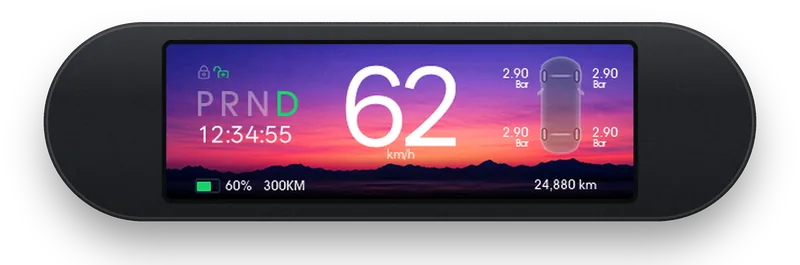
428×142 five-slot bar display, readable at a glance

One bar splits into five slots, suitable for the dashboard or around the center console. The standard version lets you pick five of 19 J1979 parameters; the Tesla version reads common values and four tire pressures over BLE; the BYD version works with the in-car Zhadi app.

Standard OBDTesla BLEBYD DiLink
  • 428×142 / 2.79-inch
  • Five customizable slots
  • Standard version: 19 J1979 parameters, automatic CAN scan
  • Tesla version over BLE; BYD version with Zhadi

Shown in the Tesla version with English UI; ports and UI differ by version.

View setup guide

REAL INSTALLS

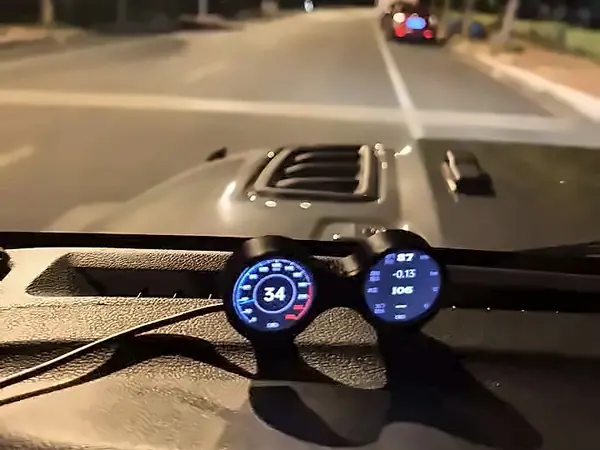
Z1 in real cars

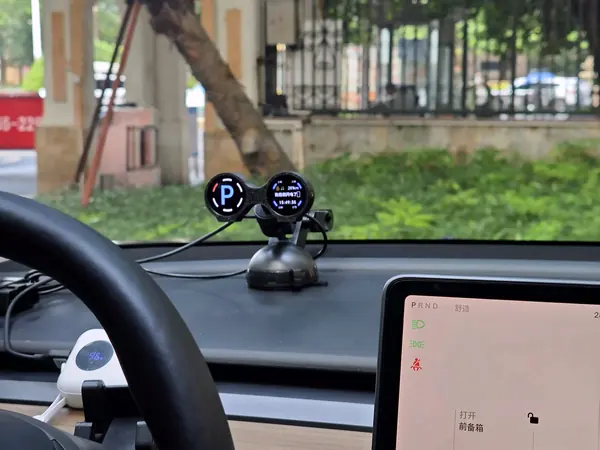
Three Z1 photos from customer vehicles: standard, Tesla and BYD. Open a photo to see the matching setup guide.

Real photos · UI varies by firmware version

Before you buy

  • Product photos, renders and UI screenshots are illustrative; dimensions and UI are subject to the actual product and version.
  • The vehicle model and year are determined by the registration document; contact us first if unsure.
  • Available parameters depend on what the vehicle exposes; unreadable values show --, and availability varies by vehicle.
  • Tesla: Model S / X before 2021 are not supported; up to 3 concurrent BLE connections per vehicle; E1 Tesla UI is in English.
  • BYD: Z1-BYD supports the 2021 Tang DM-i only; E1-BYD has been verified on DiLink 4.0, confirm other versions first; E1 requires the third-party Zhadi app on the head unit.
  • Tesla, BYD and other trademarks belong to their respective owners; Zhadi is a third-party head-unit app.

Not sure if your vehicle is supported?

Send us the model, model year and the version you need; we will confirm before you order.

Helpful details: model / year / trim (e.g. 2021 Tang DM-i)

Scan to add us on WeChat

WeChat

Scan to add us on WeChat