
1:44
Pairing tutorial
The full flow from entering the VIN to confirming on the car screen.
APP SETUP GUIDE · Tesla
Z1 Tesla and E1 Tesla connect to the vehicle over BLE without using the OBD port. Compatible with Model 3 / Model Y (all), Model S / Model X (2021 and later) and Cybertruck; Model S / X before 2021 are not supported.
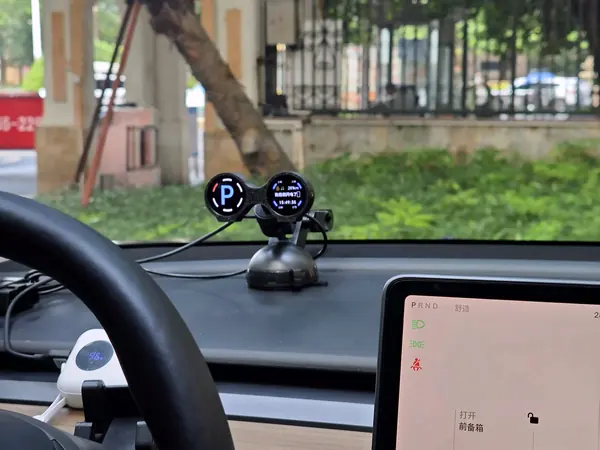
REAL PHOTO
Tesla interior · Z1
Up to 3 concurrent BLE connections per vehicle.
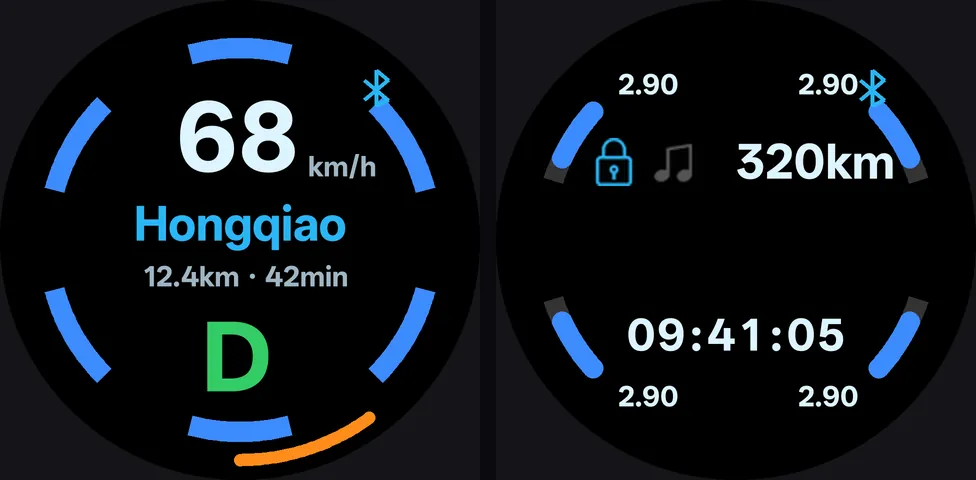
The E1 Tesla version does not use the OBD port; up to 3 concurrent BLE connections per vehicle.
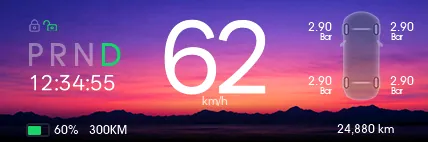
UI illustrative; actual values depend on data exposed by the vehicle.
Watch in order: pairing → unbinding → finding the VIN. Tutorials are in Chinese; the E1 Tesla UI is in English and may vary by app version.
The full flow from entering the VIN to confirming on the car screen.
Remove the current vehicle pairing from the app.
Locate and note the vehicle VIN on the car screen.
Not sure if your vehicle is supported?
Send us the model, model year and the version you need; we will confirm before you order.
Contact us